Instructions for Accessing OneDrive

1. Click on the OneDrive icon at the bottom right of your screen.

2. Click Sign in.
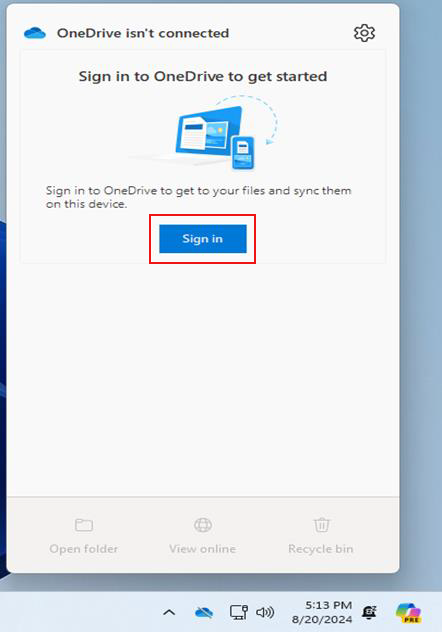
3. Enter your DelTech email address and click Sign in.

4. After clicking sign in, you’ll receive a code via notification or text (based on your authentication method).  The example below shows the Authenticator App notification.
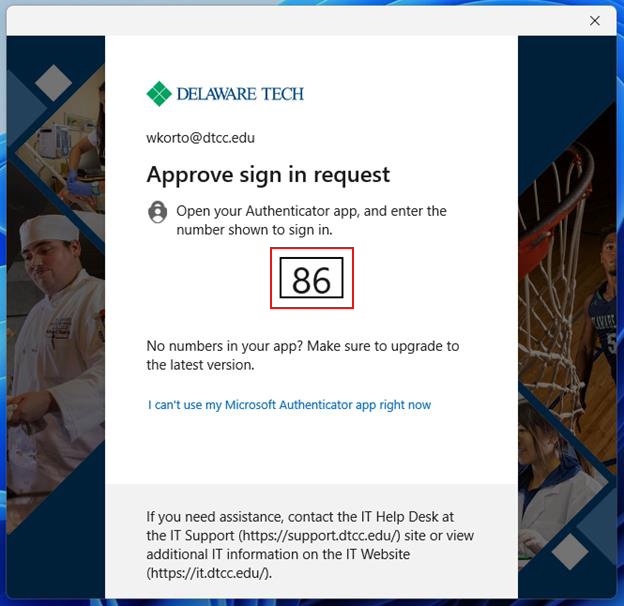
5. Click Next.

6. If you are using your DTCC-issued laptop or your office computer and want to back up your existing files, click the Start Backup button.  Otherwise, click I’ll do it later.
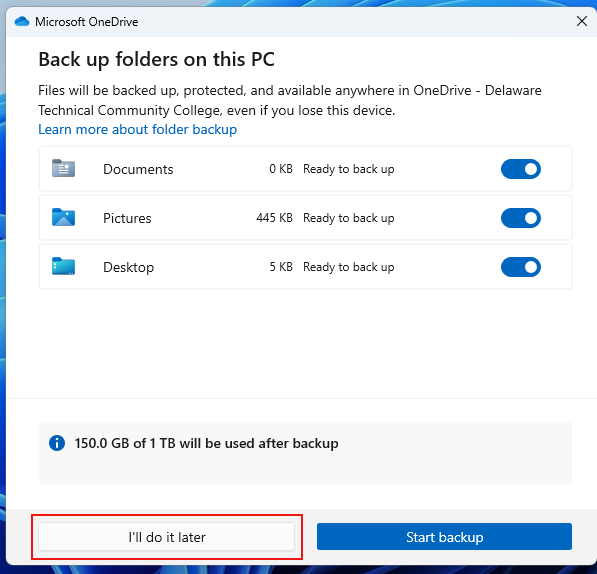
7. Click Next.

8. Click Next.
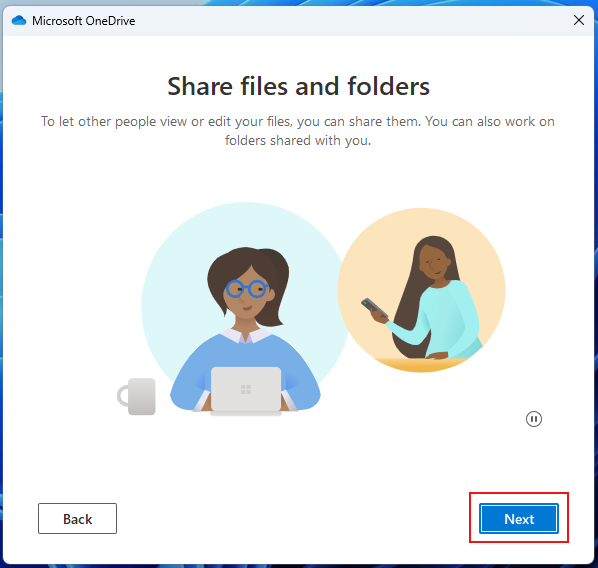
9. Click Next.
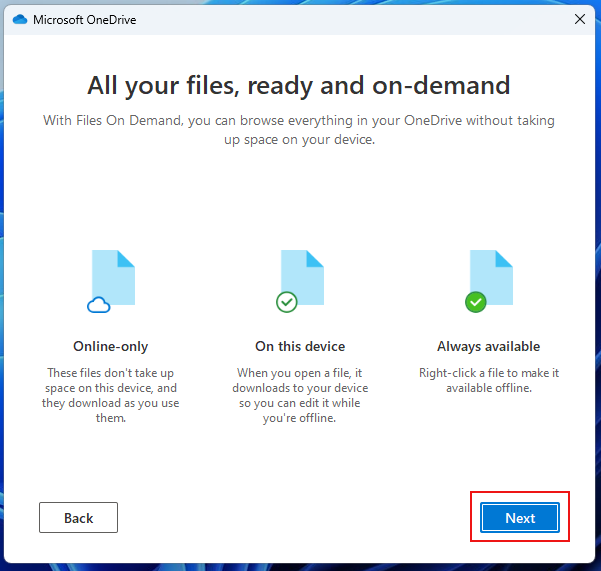
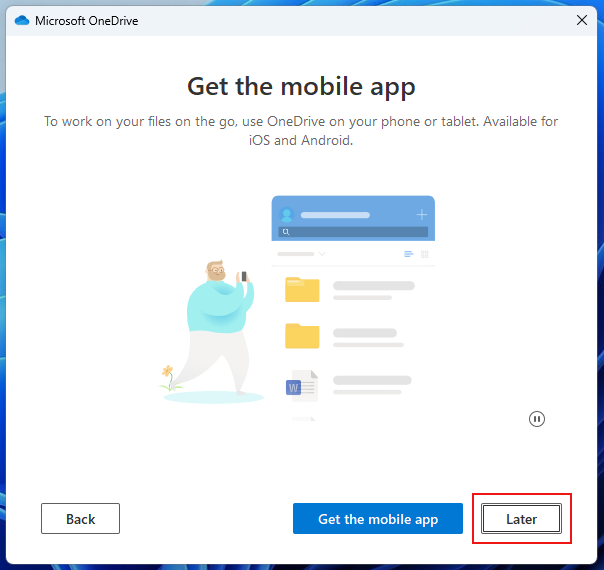
10. If you want to install the OneDrive mobile app on your phone or tablet, click Get the mobile app. Otherwise, click Later.
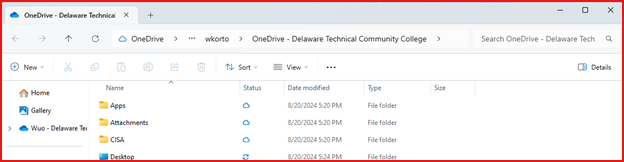
11. Click open my OneDrive folder to access your OneDrive files and folders.

12. OneDrive will open a File Explorer window while displaying the contents of
your OneDrive desktop folder on your desktop.
Instructions for Accessing OneDrive Via a Web Browser

1. Open your preferred web browser and go to onedrive.live.com.
2. Click the sign in button.
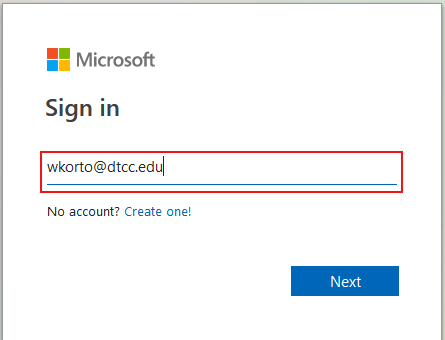
3. Enter your DelTech email address and click Next. You may be asked to enter your password. If so, enter it and click sign in.
4. Once signed in, you’ll be taken to your OneDrive dashboard, where you can view your documents.

Delaware Technical Community College is an equal opportunity employer and educational institution. Delaware Tech does not discriminate on the basis of race, color, creed, religion, sex (including pregnancy, childbirth, and related medical conditions, sexual orientation, and gender identity), national origin (including limited English proficiency), age, disability, marital status, veteran status, or political affiliation or belief, or, against any beneficiary of, applicant to, or participant in a state or federal financial assistance program or any other classifications protected by federal, state, and local law. Auxiliary aides and services are available upon request to individuals with disabilities. TTY: (800) 232-5470 delawarerelay.com. Reports of sexual misconduct and/or discrimination, involving any student or employee of Delaware Technical Community College should be directed to the Title IX/Civil Rights Coordinator, at civilrights@dtcc.edu, (302) 857-1903. Reports may also be mailed in writing to Delaware Technical Community College, P.O. Box 897, 100 Campus Drive, Dover, Delaware 19904. Learn more about Title IX/Civil Rights at the College and Equal Opportunity is the Law (PDF).

Digital AccessibilityPrivacy Policy

© 2026 Delaware Technical Community College

To top