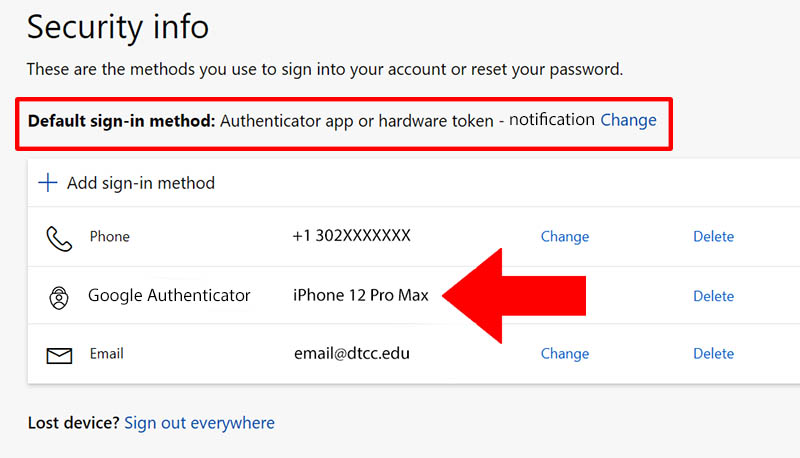
- To choose a different authenticator app for your Microsoft account, navigate to the Security info page on your account dashboard.
- Then select “+ Add sign-in method”

- Then on the drop down chose which method you would like from phone, alternate phone, authenticator app and follow the directions given.

- If you would like to choose a different authenticator app from Microsoft, choose Authenticator app on the drop down.

- Then click on I want to use a different authenticator app

- Then once you have your new app added to the authentication methods go to Default sign in method and click on change. Then choose the authenticator app you just added
To top