Step 1:
Open Gmail. Select your initial toward the top of the screen.

Step 2
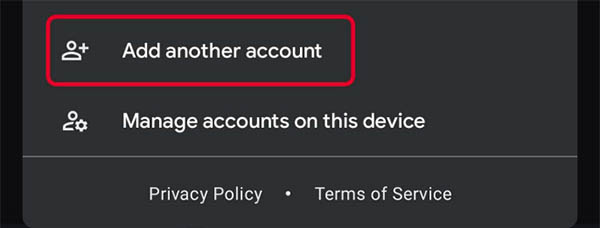
Select “Add another account” below the emails listed.
Step 3
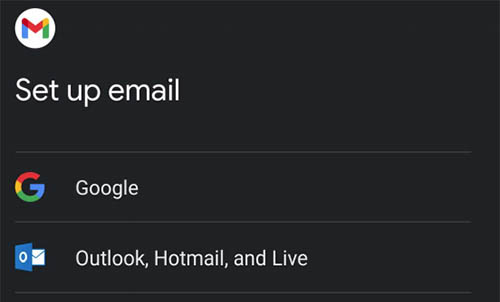
Select “Exchange and Office 365.”
Step 4
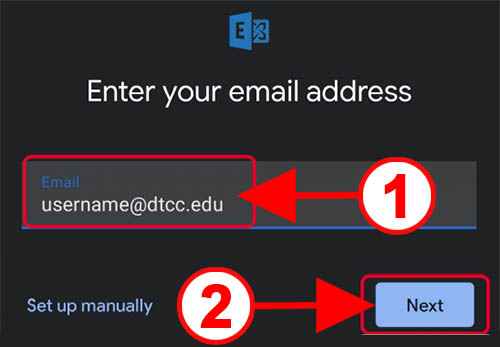
- Type in your full Delaware Tech email address into the text box.
- Select “Next.”
Step 5
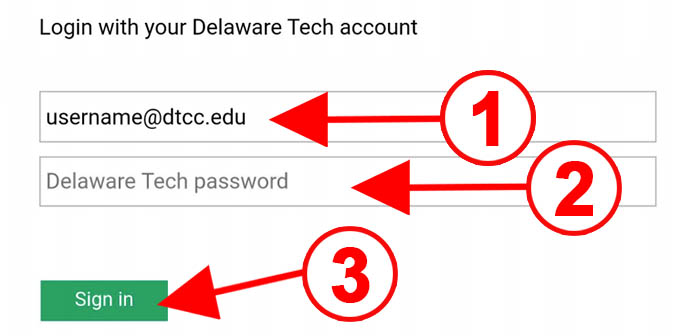
- The Delaware Tech Single Sign On, SSO, should appear if the username is correct, not a password prompt.
- Enter your full Delaware Tech email password into the “Delaware Tech password” text box.
- Select “Sign in.”